

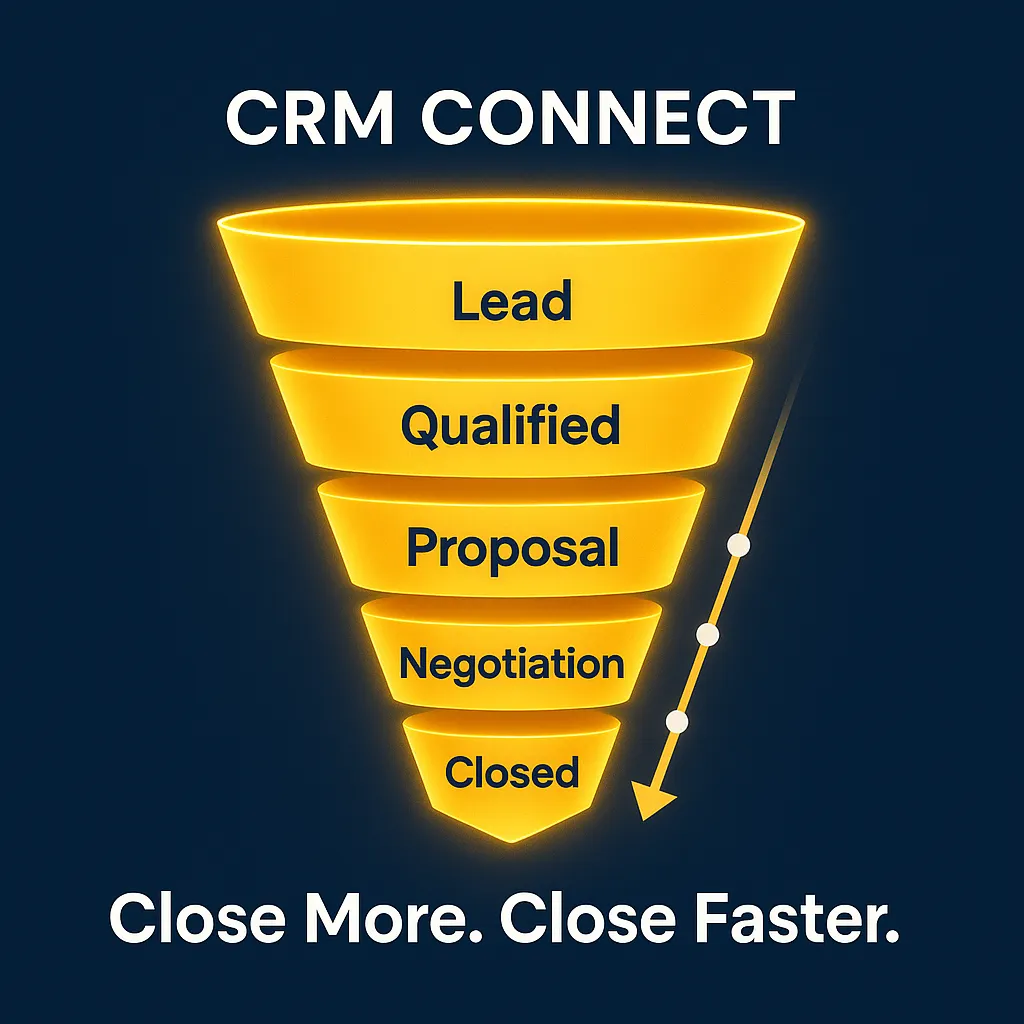
Pro CRM Trick: Build Deal Stages That Match Your Exact Sales Process
CRM, Sales Pipelines, Deal Stages
How to Build Custom CRM Deal Stages That Match Your Exact Sales Process
PRO TRICK: Build deal stages that match your exact sales process. From first contact to signed contract, tools like CRM Connect can adapt to how you sell — not the other way around. When your pipeline reflects reality, your team moves faster, follows up better, and closes more deals with less chaos.
Why Generic Pipeline Templates Don’t Work for Every Business
Most CRMs ship with a default pipeline: New Lead → Qualified → Proposal → Negotiation → Closed Won/Lost. It looks tidy, but it rarely matches how your team actually sells. A B2B agency with multi-stakeholder approvals, a local home services company, and an e‑commerce brand doing wholesale deals all have very different journeys from first touch to close. When you force everyone into a generic template, reps guess which stage to use, data becomes inconsistent, and reports stop telling the truth. That’s when follow-ups slip, deals stall, and your CRM turns into an expensive to‑do list instead of a revenue engine.
Step 1: Map Your Real Sales Process Before You Touch the CRM
Start outside the software. Grab your sales team, a whiteboard, or a simple doc and ask: “What actually happens from first contact to signed?” Write down each major milestone in plain language: “Inbound lead submits form,” “We run discovery call,” “We send proposal,” “They loop in finance,” “Contract signed.” Group these moments into clear phases. If two steps always happen together, they can usually live in one stage. If a step requires a different owner, a different action, or takes measurable time, it likely deserves its own stage. Aim for 6–9 stages: enough detail to be useful, not so many that your reps feel like they’re clicking for a living.
What Each Stage Should Track and Trigger
A strong deal stage does three things: it defines reality, captures key data, and triggers the right next steps. For each stage, decide:
- Entry criteria: What must be true before a deal moves here? (For example, “Discovery call completed.”)
- Fields to track: Budget, decision maker, timeline, pain points, proposal value, or anything your forecast depends on.
- Automations to trigger: tasks, emails, reminders, or internal alerts when a deal enters or sits too long in that stage.
For example, when a deal hits “Proposal Sent,” your CRM can auto‑create a follow‑up task in three days, send a gentle check‑in email, and notify the account manager so nothing falls through the cracks.
Examples of Effective Custom Pipelines by Business Type
B2B service agency: New Inquiry → Discovery Scheduled → Discovery Completed → Strategy Proposal → Decision Maker Review → Verbal Yes → Contract Sent → Closed Won/Lost. Here, separate discovery and strategy stages help you measure where deals leak and how long each step takes.
Local home services: New Lead → Site Visit Scheduled → Quote Delivered → Follow‑Up Needed → Awaiting Decision → Scheduled Job → Completed. Stages focus on appointments and job status, with automated reminders before visits and after quotes.
SaaS with free trials: Trial Started → Activated (First Key Action) → Engaged User → Upgrade Conversation → Legal/Procurement → Subscription Live. Here, product usage milestones become critical stages, and triggers can notify sales when users hit certain thresholds.
How Customized Stages Accelerate Deal Flow
When your pipeline mirrors how you actually sell, everything speeds up. Reps instantly know what’s happening with every deal, managers get cleaner forecasts, and marketing can see which campaigns feed the most “proposal sent” or “contract out” opportunities. Automations tied to each stage keep deals moving: reminders nudge reps, nurture emails warm up buyers, and alerts flag stuck opportunities before they go cold. Instead of wrestling with a generic template, your team works inside a system that feels natural. The result is simple: fewer dropped balls, shorter sales cycles, and a CRM that finally supports the way you sell — not the other way around.