

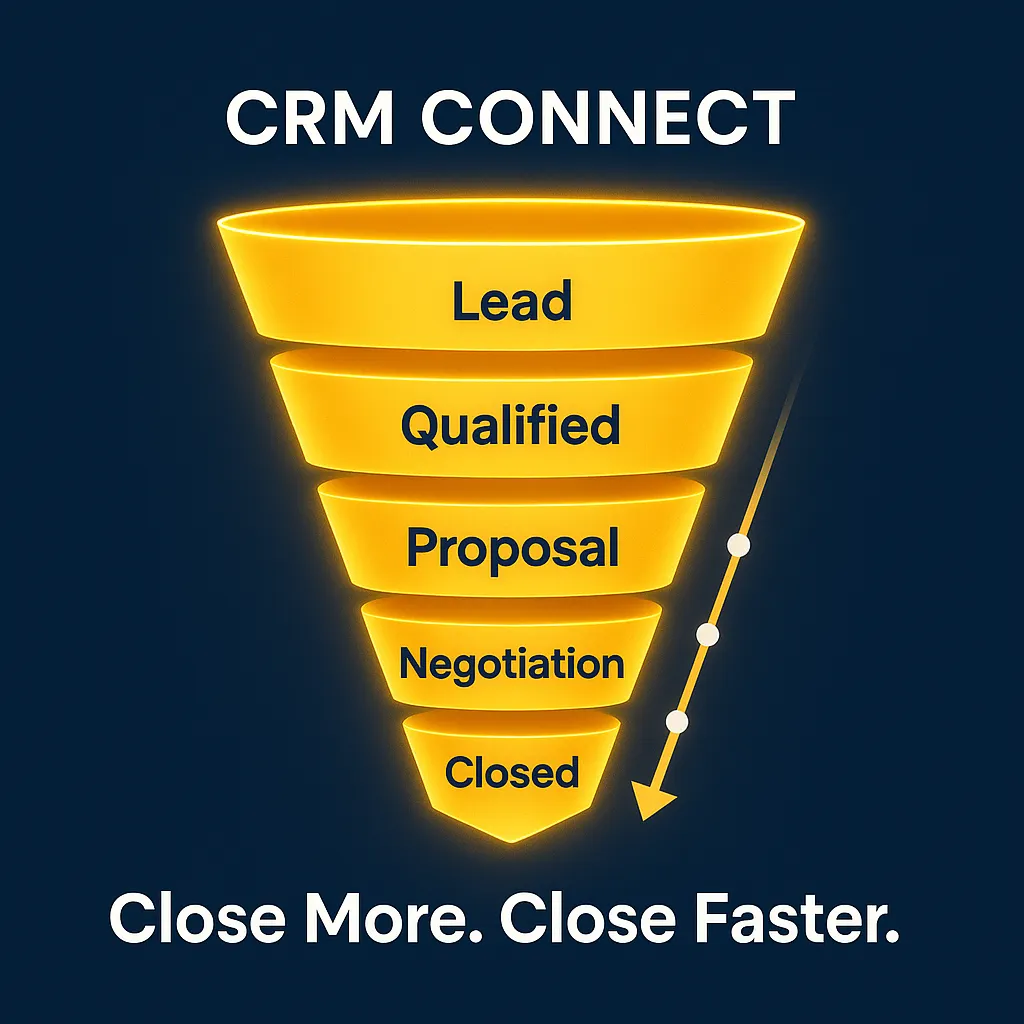
Speed Wins in Sales: How Automated Follow-Ups Keep Your Leads from Going Cold
CRM, Lead Management, Sales Automation
How Speed and Automated Follow-Ups Keep Your Leads from Going Cold
Speed wins in sales. When a prospect reaches out, they’re most excited, most curious, and most willing to talk to you right in that moment. A fast response plus consistent, thoughtful follow-up is often the difference between a closed deal and a ghosted lead. That’s exactly what CRM Connect’s automated follow-ups, smart reminders, and pipeline triggers are designed to protect: your opportunity window.
Why response speed is so critical in sales
Think about the last time you filled out a form for a quote or demo. Were you more likely to buy from the company that replied in five minutes, or the one that finally emailed you two days later? Your leads feel exactly the same. They’re comparing options, juggling priorities, and their attention span is short. If you’re slow, a faster competitor can easily step in and win the business before you even say hello.
Research backs this up. Artemis GTM’s 2026 benchmark shows that responding within five minutes is now the baseline; wait 5–30 minutes and conversion drops 58%, stretch to 30–60 minutes and it falls 79%, and after 24 hours you risk losing 99% of potential conversions. LeadResponse reports that 78% of customers buy from the first company that responds, while 82% expect an almost immediate reply. Yet the average B2B response time still hovers around 42–47 hours in many studies (Optifai, Artemis, LeadResponse) — a huge gap and a huge opportunity for anyone willing to move faster.
How CRM automation handles the follow-up cadence for you
The first reply matters, but so does everything that happens after. Most deals aren’t closed on the first call; they’re won by the team that follows up consistently without being annoying. That’s where CRM automation shines. Instead of asking reps to remember who to call, email, or text each day, you create a follow-up sequence once and let the system run it for every new lead.
For example, when a new lead comes in, CRM Connect can instantly send a friendly “thanks for reaching out” email or SMS, then schedule a series of touches: a same-day call task, a next-day reminder, a value-packed email on day three, and a final check-in the following week. If the lead replies or books a meeting, the sequence automatically pauses so they’re not bombarded. Your team focuses on real conversations while the CRM quietly keeps every lead warm in the background.
What pipeline triggers are and how they keep deals moving
Pipeline triggers are simple “if this, then that” rules in your CRM that react to what’s happening in your deals. Instead of manually babysitting every opportunity, you let triggers nudge things forward automatically so nothing stalls out or slips through the cracks.
A few practical examples: if a deal sits in “Proposal Sent” for more than three days with no activity, CRM Connect can create a task and reminder for the rep to follow up. If a lead opens your pricing email three times in one day, the system can notify the account owner to call them while interest is high. If a close date passes without an update, the deal can be flagged for review so your forecast stays accurate. These pipeline triggers act like a quiet sales assistant, constantly scanning your pipeline and prompting the next best action.
How to set up a fast-response system in your CRM
Building a fast, automated response engine in CRM Connect (or any modern CRM) comes down to a few clear steps:
- Connect every lead source. Make sure web forms, chat, ads, landing pages, and social channels all push leads straight into your CRM with key fields like source, product interest, and territory.
- Set a five-minute SLA. Decide that every new lead gets an automated response within five minutes, 24/7. Use templates that feel personal, reference their request, and offer a clear next step such as booking a call.
- Design a simple follow-up sequence. Start with a 5–7 touch cadence over 7–10 days across email, calls, and SMS where appropriate. Keep messages short, helpful, and focused on solving the lead’s problem.
- Add key pipeline triggers. Create rules for “no activity” thresholds, proposal follow-up, and high-intent behaviors like repeated email opens or page visits, so reps are alerted when to jump in.
- Measure and refine. Track response times, contact rates, and conversion by lead source. Compare performance before and after automation; then tweak timing, messaging, and triggers to keep improving.
When you combine fast response, smart automation, and pipeline triggers, you stop wasting hard-won leads and start closing more of them. CRM Connect makes that process repeatable, trackable, and delightfully hands-off, so your team can focus on what they do best: building relationships and winning business.