

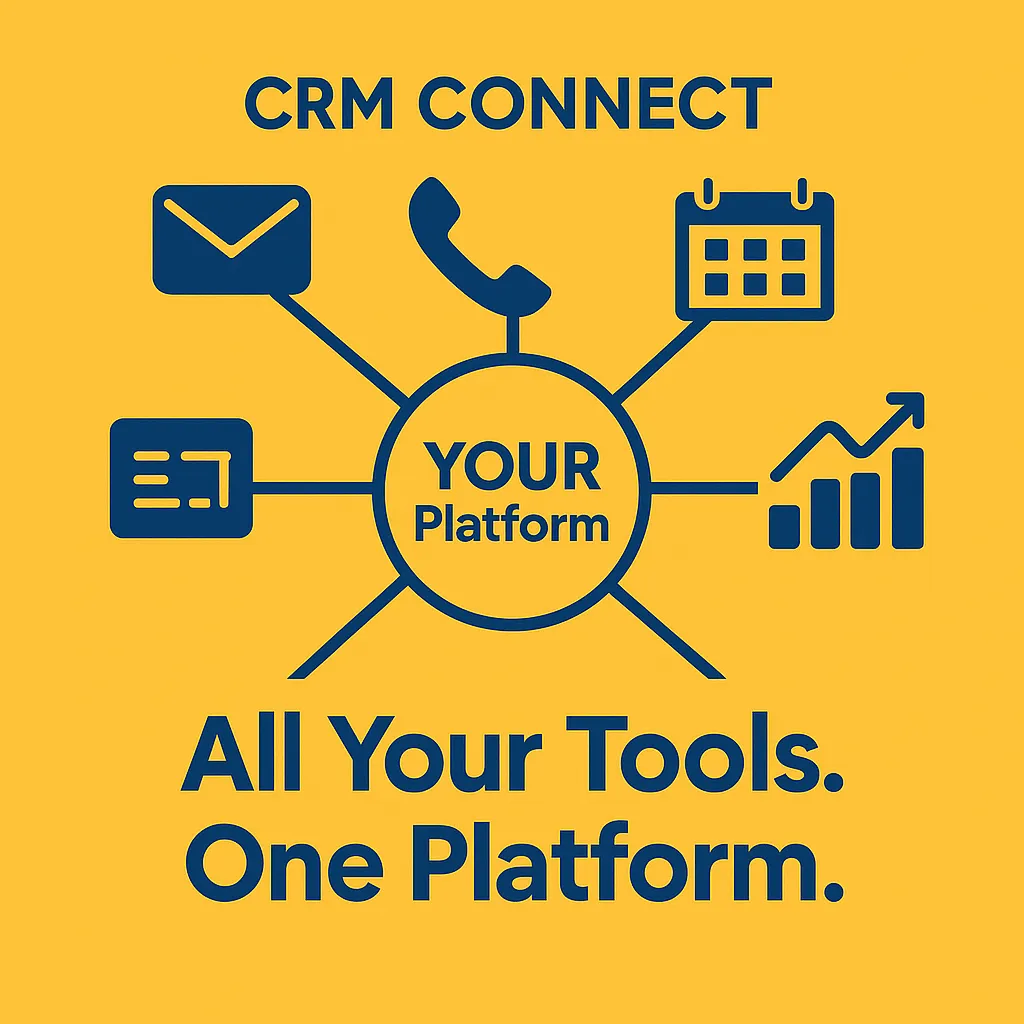
Why You Don't Need 10 Apps — One Platform Can Run Your Entire Business
CRM, All-in-One Platform, Business Productivity
You Don’t Need 10 Apps: Why One All‑in‑One CRM Is Enough
You don’t need a dozen disconnected tools to run your business. You need one powerful platform. Think of CRM Connect as that single command center where everything happens from one dashboard—and you can design your own version of it.
The 10+ Tools Most Businesses Are Paying For Separately
If you’re like most business owners or marketers, your tech stack has quietly grown into a small jungle. A typical team pays for:
- Email marketing software (newsletters, campaigns, automations)
- Sales CRM for contacts, deals, and pipelines
- Social media scheduler and inbox tool
- Online booking and calendar system
- Invoicing and basic billing software
- Live chat or helpdesk tool for support
- Landing page or funnel builder
- Form builder and survey tool
- Project or task management app
- Reporting or dashboard software
Tools like HubSpot, Zoho One, and modern AI‑native platforms such as OpsLink are already proving that one unified system can replace much of this sprawl while adding powerful automation and AI on top (leadopo.com, operations-link.com).
How an All‑in‑One CRM Replaces Your App Stack
An all‑in‑one CRM like CRM Connect pulls your core tools into one place:
- Email & automation: Send broadcasts, nurture sequences, and transactional emails directly from your CRM, with behavior‑based triggers and AI‑assisted copy suggestions similar to what leading platforms now offer (techradar.com).
- Pipeline & deals: Visual boards track every lead from first touch to closed‑won, with tasks, calls, and notes attached to a single record.
- Social & messaging: Schedule posts, reply to DMs, and track engagement alongside email and SMS, giving you a true omnichannel view.
- Booking & events: Let prospects book directly into your calendar; confirmations, reminders, and follow‑ups are automated from the same contact record.
- Invoices & payments: Generate quotes, invoices, and payment links without copying data into a separate billing app.
Instead of jumping between tabs, your team lives in one dashboard and your customer data stays clean, complete, and always up to date.
The Real Financial and Productivity Savings
Separate tools might each feel affordable—$20 here, $49 there—but they add up quickly. Many small teams easily spend several hundred dollars per month across email, social, booking, invoicing, and project tools, on top of a standalone CRM subscription. With enterprise software spending still climbing year over year (Gartner, IDC), consolidating is one of the easiest ways to control costs without sacrificing capability.
Beyond subscription fees, you save hours of “swivel‑chair work”: exporting CSVs, fixing duplicates, manually updating pipelines, and chasing down who said what to which client. Modern all‑in‑one CRMs use AI to summarize calls, suggest next actions, and trigger workflows automatically, turning busywork into background automation so your team can focus on selling and serving.
How to Evaluate and Switch to a Unified Platform
Moving to one platform doesn’t have to be painful. Start with a quick audit: list every app you’re using, what it does, who uses it, and what it costs. Then map those functions against what a candidate all‑in‑one CRM offers out of the box or via built‑in modules.
Next, plan a phased migration. Migrate contacts and pipeline first, then layer in email, booking, and invoicing. Run old and new systems in parallel for a short period, with clear cut‑over dates so the team knows exactly when to stop using legacy tools. Provide short, focused training sessions so users feel confident rather than overwhelmed.
What to Look For in an All‑in‑One Business Platform
When you’re choosing your “one powerful platform,” keep this checklist handy:
- Truly unified data: Contacts, deals, marketing, support, and billing all tied to a single customer record.
- Built‑in automation & AI: Workflows, templates, and assistants that reduce manual tasks and suggest next‑best actions.
- No‑code customization: Drag‑and‑drop fields, pipelines, and dashboards so you can build your version of CRM Connect without developers.
- Scalable pricing: Fair per‑user or tiered plans that stay reasonable as you grow, instead of surprise add‑on charges.
- Strong onboarding & support: Helpful documentation, responsive support, and partners who understand small business realities.
One all‑in‑one CRM platform won’t just replace 10 apps—it will give you a calmer, clearer way to run your business from a single, powerful dashboard.